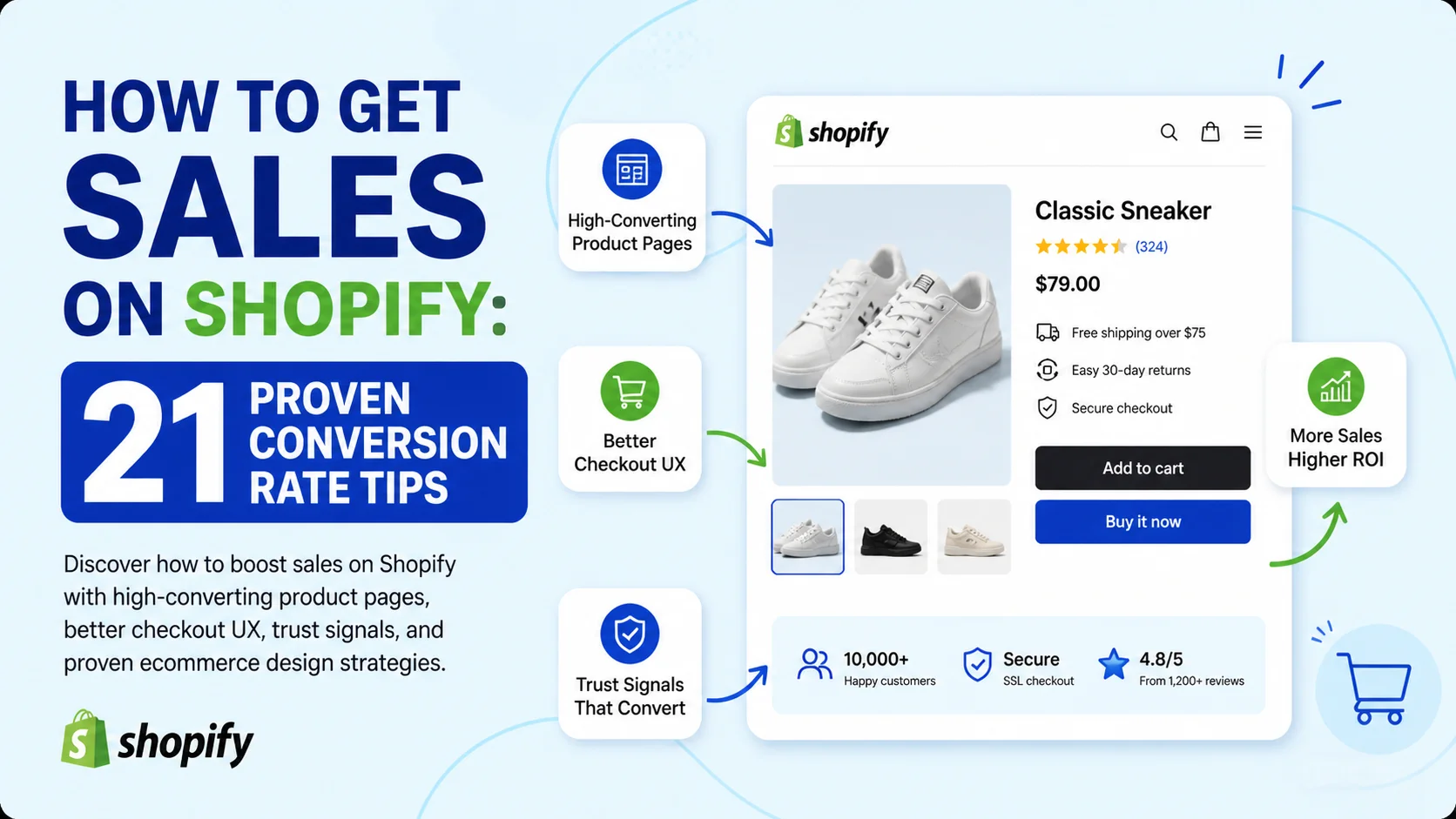
Running a Shopify store is easier than ever. Getting consistent sales? That’s the hard part.
Thousands of ecommerce stores launch every single day, but most fail for one simple reason: they focus too much on traffic and not enough on conversion optimization.
You can spend thousands on ads, influencers, and SEO, but if your store design creates friction, confusion, or distrust, visitors will leave without buying.
The good news is that most Shopify conversion problems are fixable.
By applying proven ecommerce UX principles — especially those backed by Baymard Institute research — you can dramatically improve your conversion rate, reduce cart abandonment, and increase revenue without increasing your ad spend.
In this guide, you’ll learn exactly how to:
- Get more sales on Shopify
- Boost your Shopify conversion rate
- Design product pages that convert
- Build trust with customers
- Optimize your checkout experience
- Increase average order value
- Reduce bounce rates and cart abandonment
Whether you're just starting out or already getting traffic, these strategies will help turn more visitors into paying customers.
Why Most Shopify Stores Struggle to Make Sales
One of the biggest misconceptions in ecommerce is believing that more traffic automatically equals more sales.
In reality, most Shopify stores don’t have a traffic problem — they have a conversion problem.
A store can get thousands of visitors per month and still struggle to make sales if:
- The website looks untrustworthy
- The product pages are poorly designed
- The checkout process is confusing
- Shipping information is hidden
- Mobile usability is poor
- Product descriptions fail to communicate value
According to Baymard Institute research, the average cart abandonment rate is nearly 70%, and many of those lost sales happen because of avoidable UX mistakes.
The stores that consistently succeed focus heavily on customer experience, usability, trust, and reducing friction throughout the buying journey.
The Psychology Behind High-Converting Shopify Stores
Before diving into design tactics, it’s important to understand why certain ecommerce practices work.
High-converting Shopify stores are designed around psychology.
They reduce uncertainty, build trust quickly, and make purchasing feel effortless.
Reduce Friction Everywhere
Every extra step, confusing element, or unnecessary decision lowers your conversion rate.
Customers should instantly understand:
- What you sell
- Why it’s valuable
- How much it costs
- When it ships
- How to buy it
The easier your store is to navigate, the higher your conversions will be.
Build Trust Immediately
Online shoppers are naturally skeptical.
Unlike physical stores, customers can’t touch products or speak to staff directly. Your website must do the trust-building for you.
Trust signals include:
- Product reviews
- Secure checkout badges
- Transparent shipping policies
- Professional branding
- High-quality product photos
- Social proof
- Clear return policies
Trust is one of the biggest drivers of ecommerce conversion rates.
Optimize for Mobile Users First
Most Shopify traffic now comes from mobile devices.
If your store isn’t optimized for mobile usability, you’re losing sales every single day.
Mobile-first optimization includes:
- Fast-loading pages
- Large tap targets
- Sticky add-to-cart buttons
- Simple navigation
- Easy checkout forms
- Mobile-friendly product galleries
A desktop-first store design can quietly destroy your mobile conversion rate.
Optimize Your Shopify Product Pages for More Sales
Your product page is where conversion happens.
Think of it as your digital salesperson.
Every section of your product page should help the customer feel more confident about purchasing.
Use High-Quality Product Images
Product photography is one of the most important parts of ecommerce conversion optimization.
Customers rely heavily on visuals to evaluate products online.
Your product pages should include:
- Multiple product angles
- Lifestyle images
- Zoom functionality
- Close-up detail shots
- Size comparison images
- Photos showing the product in use
Lifestyle photography is especially powerful because it helps customers imagine themselves using the product.
If you sell clothing, show real people wearing it naturally.
If you sell home decor, show the product inside realistic environments.
Optimize Images for Speed
Large image files can slow your store dramatically.
Page speed has a direct impact on conversion rates.
Use modern formats like WEBP to reduce image size while maintaining quality.
Fast-loading stores create a smoother customer experience and lower bounce rates.
Add Product Videos
Product videos are one of the most underutilized Shopify conversion tools.
Videos increase buyer confidence because they simulate the in-store experience.
Customers can better understand:
- Product size
- Texture
- Features
- Functionality
- Quality
Studies consistently show that shoppers are more likely to purchase after watching a product video.
Place videos:
- Near the image gallery
- Inside the product carousel
- Above the fold when possible
Keep videos short, fast-loading, and focused on demonstrating value.
Write Product Descriptions That Actually Sell
One of the biggest mistakes Shopify stores make is writing feature-heavy product descriptions.
Customers don’t buy features.
They buy outcomes, benefits, and solutions.
Instead of focusing only on technical specs, explain:
- What problem the product solves
- How it improves the customer’s life
- Why it’s different from competitors
- What experience it creates
Bad Product Description Example
“Made from premium 320 GSM cotton with reinforced stitching.”
Better Product Description Example
“Designed for all-day comfort with heavyweight premium cotton that feels soft, durable, and built to last.”
The second example focuses on customer benefit rather than technical detail alone.
Answer Customer Questions Directly
Your product page should eliminate uncertainty.
Customers often hesitate because they still have unanswered questions.
Include answers to common questions like:
- What are the dimensions?
- How long does shipping take?
- Is it true to size?
- What materials are used?
- What’s the return policy?
- Is international shipping available?
Adding FAQ sections directly to product pages can significantly improve conversions while also helping SEO.
Use Social Proof to Boost Shopify Sales
Social proof is one of the most powerful psychological triggers in ecommerce.
People trust other customers more than brands.
The more evidence you provide that others love your products, the easier it becomes for new customers to buy.
Display Customer Reviews Prominently
Reviews should never be hidden.
Your review summary should appear near:
- The product title
- Price
- Add-to-cart button
High-converting review sections often include:
- Star ratings
- Verified purchase badges
- Customer photos
- Product variant information
- Review dates
- “Most helpful” sorting
The goal is to make reviews feel authentic and trustworthy.
Automate Review Requests
Most happy customers won’t leave reviews unless you ask.
Set up automated post-purchase emails requesting reviews after delivery.
This helps generate consistent social proof while balancing out negative feedback.
Popular Shopify review apps include:
- Judge.me
- Loox
- Okendo
- Yotpo
Show Proof of Demand
Customers feel more comfortable buying products that other people are actively purchasing.
You can display proof of demand using:
- “500+ sold this month”
- “Trending product”
- “15 people are viewing this now”
- Bestseller badges
- Recently purchased notifications
These elements create reassurance and urgency simultaneously.
However, authenticity matters.
Fake urgency tactics can damage trust quickly.
Use Low Stock Warnings Carefully
Low stock notifications can increase urgency and conversions.
Examples include:
- “Only 3 left in stock”
- “Selling fast”
- “Limited availability”
But only use real inventory data.
Customers are becoming increasingly aware of fake scarcity tactics.
Feature User-Generated Content
User-generated content (UGC) is one of the highest-converting forms of social proof.
When customers see real people using your products, your brand instantly feels more trustworthy.
UGC examples include:
- Instagram photos
- TikTok videos
- Customer unboxings
- Influencer clips
- Customer testimonials
Embedding social content directly into product pages can increase buyer confidence dramatically.
Shopify Design Essentials That Increase Conversion Rates
Good ecommerce design isn’t just about aesthetics.
It’s about usability.
A beautiful website that’s difficult to use will still convert poorly.
Make Your Add-to-Cart Button Impossible to Miss
Your add-to-cart button is one of the most important elements on your product page.
It should be:
- Large
- High-contrast
- Easy to tap on mobile
- Clearly visible above the fold
Strong CTA examples include:
- Add to Cart
- Buy Now
- Get Yours Today
Avoid vague or weak CTA copy.
Use Sticky Add-to-Cart on Mobile
Sticky add-to-cart bars keep the purchase button visible while users scroll.
This improves mobile usability significantly and reduces friction.
Many high-performing Shopify brands now use sticky ATC functionality by default.
Improve Your Navigation Structure
Navigation should feel intuitive.
Customers should find products quickly without confusion.
Best practices include:
- Simple menus
- Clear category labels
- Predictable navigation
- Effective search functionality
- Mobile-friendly navigation
Avoid cluttered mega menus unless your catalog genuinely requires them.
Display Payment Methods Clearly
Customers want reassurance that they can pay securely using familiar providers.
Display payment icons near:
- The add-to-cart button
- Checkout sections
- Footer areas
Popular options include:
- Shop Pay
- Apple Pay
- Google Pay
- Klarna
- PayPal
- Visa
- Mastercard
Flexible payment options can improve conversion rates significantly.
Show Shipping and Delivery Information Early
Unexpected shipping surprises are one of the biggest causes of cart abandonment.
Customers want transparency.
Display:
- Shipping costs
- Delivery estimates
- Free shipping thresholds
- Return policies
- International shipping availability
The earlier customers see this information, the better.
Optimize Your Shopify Store Speed
Slow stores kill conversions.
Every additional second of load time increases bounce rates.
To improve Shopify speed:
- Compress images
- Use lightweight themes
- Remove unnecessary apps
- Limit third-party scripts
- Lazy-load media
- Use optimized fonts
Speed optimization is especially critical for mobile users.
Checkout Optimization Tips Based on Baymard Research
Your checkout process should feel effortless.
Many Shopify stores lose customers during checkout because of unnecessary friction.
Allow Guest Checkout
Forced account creation is one of the biggest checkout mistakes in ecommerce.
Many customers simply want to purchase quickly.
Offer guest checkout prominently.
You can always encourage account creation after purchase.
Reduce Form Fields
Every extra field lowers completion rates.
Ask only for essential information.
Use:
- Autofill support
- Address validation
- Smart form formatting
- Mobile-friendly input fields
Shorter checkouts convert better.
Use a Linear Checkout Flow
Customers should always understand where they are in the checkout process.
Use:
- Progress indicators
- Simple step-by-step flow
- Clear error messages
Confusing checkouts create anxiety and abandonment.
Optimize Checkout for Mobile
Mobile checkout optimization is essential.
Use:
- Large tap areas
- Numeric keyboards for phone/payment fields
- Autofill support
- Express payment options
The easier checkout feels on mobile, the higher your conversion rate.
Increase Average Order Value (AOV)
Increasing conversion rates is important.
But increasing average order value can grow revenue even faster.
Add Related Product Recommendations
Related product sections help customers discover complementary items.
Examples include:
- Frequently bought together
- Complete the look
- Customers also bought
- You may also like
Strategic product recommendations increase both engagement and order value.
Use Bundles and Quantity Discounts
Bundles can improve perceived value while increasing revenue.
Examples include:
- Buy 2, save 10%
- Bundle and save
- Starter kits
- Subscription discounts
Psychological pricing strategies often outperform simple discounts.
Offer Free Shipping Thresholds
Free shipping thresholds encourage customers to spend more.
Example:
“Spend $75 more to unlock free shipping.”
This is one of the most effective AOV strategies in ecommerce.
Use Heatmaps and Analytics to Improve Conversion Rates
Conversion optimization should always be data-driven.
You should understand how users interact with your store.
Tools like Microsoft Clarity allow you to track:
- Click behavior
- Scroll depth
- Rage clicks
- Session recordings
- User frustration points
Heatmaps can reveal hidden UX issues that traditional analytics miss.
Run A/B Tests Regularly
Small design changes can produce massive conversion improvements.
Test elements like:
- Product images
- CTA colors
- Product page layouts
- Headlines
- Pricing presentation
- Checkout flow
Continuous testing is one of the biggest advantages successful ecommerce brands have over competitors.
SEO Strategies That Help Shopify Stores Get More Sales
SEO and conversion optimization work together.
More organic traffic means nothing if your store doesn’t convert.
Optimize Product Pages for Search Intent
Target keywords with buyer intent.
Examples include:
- best running shoes for flat feet
- waterproof gym bag
- oversized heavyweight hoodie
Long-tail keywords usually convert better because they match specific customer intent.
Use Internal Linking Strategically
Internal links help both SEO and usability.
Link between:
- Related products
- Collection pages
- Blog posts
- Buying guides
This improves crawlability while helping users discover more products.
Set Up Google Shopping
Google Shopping can generate highly targeted traffic.
Optimize your product feed with:
- High-quality product images
- Accurate product titles
- Strong descriptions
- Competitive pricing
Unique product photos can also help your listings stand out from competitors.
Common Shopify Conversion Mistakes to Avoid
Even small UX mistakes can reduce conversions dramatically.
Common mistakes include:
- Slow-loading pages
- Cluttered layouts
- Hidden shipping costs
- Weak product descriptions
- Poor mobile usability
- Tiny add-to-cart buttons
- Complicated navigation
- Lack of trust signals
- Too many popups
- Confusing checkout flows
Fixing these issues often produces immediate improvements in conversion rates.
Final Thoughts: How to Make More Sales on Shopify Consistently
Getting more sales on Shopify isn’t about gimmicks or hacks.
It’s about creating a shopping experience that feels trustworthy, intuitive, and frictionless.
The highest-converting Shopify stores focus relentlessly on:
- Customer trust
- Product page quality
- Mobile usability
- Checkout optimization
- Social proof
- Speed
- Continuous testing
Small UX improvements compound over time.
Even increasing your conversion rate from 1% to 2% can double your revenue without increasing traffic.
Focus on improving the customer experience first, and the sales will follow.
FAQ
How do I get my first sales on Shopify?
Focus on building trust, improving your product pages, optimizing for mobile, and driving targeted traffic through SEO, social media, or paid ads. High-quality product images and social proof are especially important for new stores.
What is a good Shopify conversion rate?
Most Shopify stores convert between 1% and 3%, while top-performing stores often achieve 4% or higher.
How can I improve my Shopify conversion rate?
Improve your product pages, reduce checkout friction, optimize mobile UX, increase site speed, and add trust signals like reviews and secure payment badges.
Do reviews increase Shopify sales?
Yes. Reviews increase buyer confidence and provide social proof, making customers more likely to complete purchases.
What are the best Shopify apps for increasing conversions?
Popular conversion-focused Shopify apps include:
- Judge.me
- Klaviyo
- Rebuy
- Loox
- Hotjar
- Microsoft Clarity
- Okendo
How important is mobile optimization for Shopify stores?
Extremely important. Most ecommerce traffic now comes from mobile devices, so poor mobile UX can significantly reduce conversion rates.
How do I reduce cart abandonment on Shopify?
To reduce cart abandonment:
- Offer guest checkout
- Show shipping costs early
- Simplify checkout forms
- Improve mobile usability
- Add trust signals
- Enable express payment methods
- Use abandoned cart email flows